Common Password Mistakes (and How to Avoid Them)
You do not need to be a security expert to avoid the failures that cause most account compromises. They are surprisingly ordinary — and once you know them, they are easy to design out of your habits.
Reusing the same password
This is the single most damaging habit. When you reuse a password and any one site is breached, attackers replay that email-and-password pair against banks, email and shops until something works. One leak becomes a dozen compromised accounts. The fix is simple to state and easy once tooled: a unique password per site, generated randomly and stored in a manager.
A subtler version of the same mistake is the family of variations: one base word with a site name or a counter attached. Cracking tools apply rule-based mangling to a known password automatically, adding and removing suffixes, swapping characters and appending years. Netflix1, Netflix2 and Netfl1x are not three different passwords in any meaningful sense; they are one password with a counter, and an attacker who has any of them effectively has all of them.
Predictable patterns and personal info
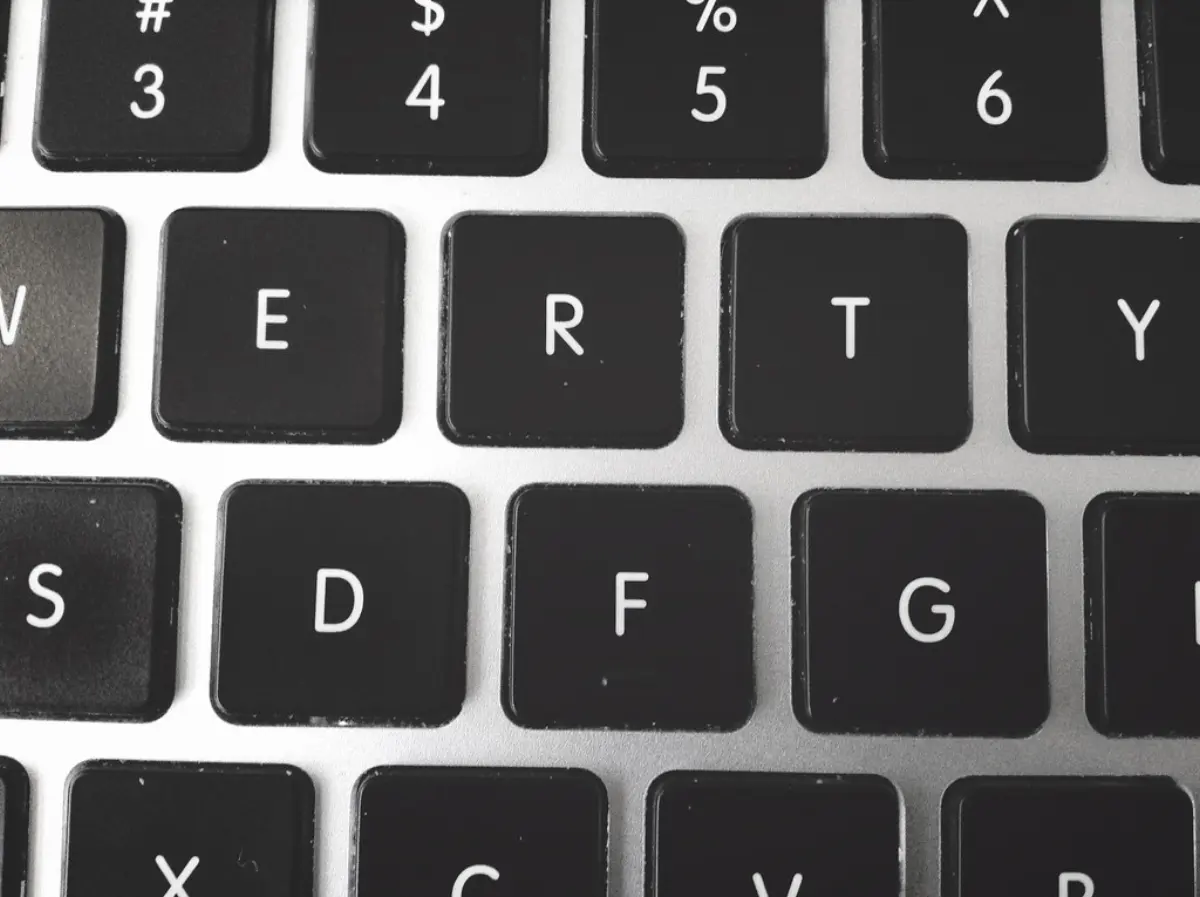
Names, birthdays, pet names, favourite teams, keyboard walks like 'qwerty', and the classic substitutions ('a'→'@', 'o'→'0') are all the first things cracking tools try. They feel clever but add almost nothing, because attackers' wordlists already include them. Anything derived from you or from the keyboard layout is guessable; only genuine randomness escapes these dictionaries.
Security questions deserve a mention of their own, because they are passwords with the difficulty removed. Your mother's maiden name, your first school and the street you grew up on are matters of public record or one social-media post away, and a correct answer often resets the account outright — bypassing the strong password entirely. Where a service insists on them, treat every answer as another random string and store it in the manager next to the password.
Forced rotation and unsafe storage
Changing passwords on a fixed schedule — every 90 days — is now discouraged by NIST, because it pushes people toward predictable tweaks (Spring2025 → Summer2025) that weaken security. Change a password when there is a reason: a breach notice, a suspicious login, or an appearance in a leak. Equally, avoid storing passwords in plain text files, notes apps or spreadsheets; use an encrypted manager instead.
Sharing is the storage mistake people forget they have made. A password sent over chat, email or a support ticket now lives in at least two message histories, two backup systems and whatever search index runs across them, permanently and outside anyone's control. Use the manager's sharing feature or a link that expires after one view, and when a shared password's purpose ends — a contractor leaves, a subscription is cancelled — change it rather than assuming everyone forgot it.
Skipping two-factor authentication
Even a strong password can be phished or leaked. Two-factor authentication adds a second check — ideally a code from an authenticator app or a hardware key rather than SMS — so a stolen password alone is not enough to get in. Enabling 2FA on your important accounts is one of the highest-value security steps you can take.
Not all second factors are equal, though. SMS is the weakest common option because a SIM swap redirects it and a convincing phishing page can relay the code in real time. An authenticator app removes the carrier from the picture but the code is still relayable. Push approvals invite 'MFA fatigue', where an attacker sends request after request until somebody taps accept out of irritation. Hardware security keys and passkeys are the only mainstream factors that are phishing-resistant by construction: the browser completes the handshake only for the exact domain the credential was registered to.
Ignoring the breach notice
A breach notification is the one moment when a small, specific action is obviously worth taking, and it is routinely ignored. The response is narrow: change that password, change it anywhere it was reused, and check whether the same address appears in other known leaks. Checking a password against a breach corpus does not require handing it over — the Pwned Passwords API works by k-anonymity, taking the first five hexadecimal characters of its SHA-1 hash and returning every matching suffix, so the service never learns which password was in question. Most managers run this check across the whole vault for you.
Having no plan for losing access
The failure that hurts most is often not an attacker at all; it is a locked door with nobody on the other side. Unique manager-stored passwords plus two-factor authentication create a small set of single points of failure — one master passphrase, one phone, one email account — and each of them needs a fallback prepared in advance. Save the recovery codes a service shows you exactly once, keep an encrypted export of the vault, register a second hardware key if you use one, and make sure somebody you trust could reach the essentials if you could not. Write down where those things are rather than what they are.
The takeaway
Don't reuse passwords, don't base them on personal info or keyboard patterns, change them only when there's a reason, store them in an encrypted manager, and turn on two-factor authentication.
Create a strong password or passphrase in your browser.
More guides
What Makes a Password Strong
Length, randomness and uniqueness — not clever substitutions — are what actually make a password hard to crack. Here's how each one works.

Password Entropy Explained
Entropy is the one number that objectively measures password strength. Learn the formula, what the bits mean and how to read a crack-time estimate.
Passphrases vs Passwords: Which to Use
Random character strings and multi-word passphrases can be equally strong. The difference is where you use them and whether you have to remember them.